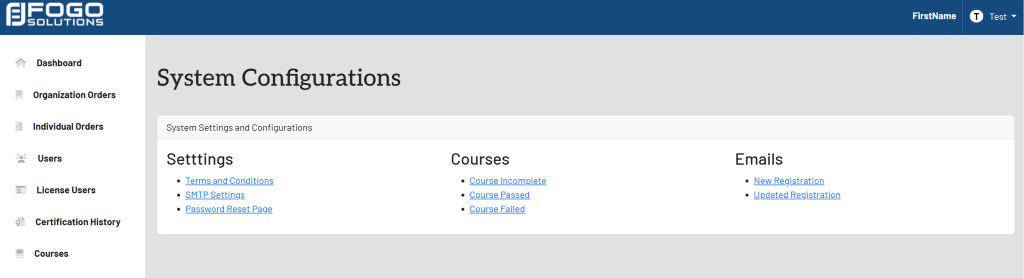
View System Configurations
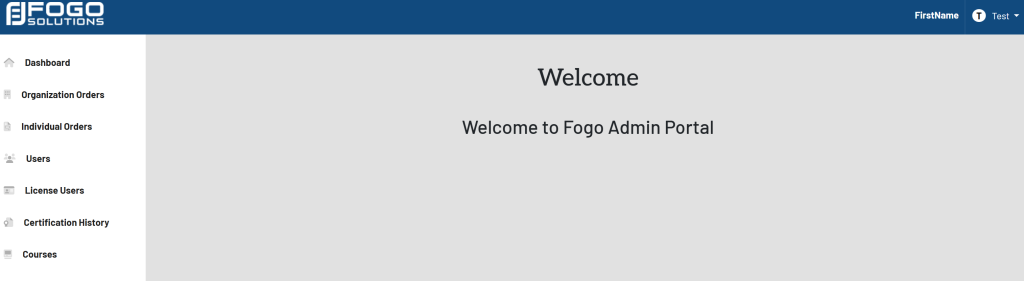
Start at your dashboard. It will look like this:
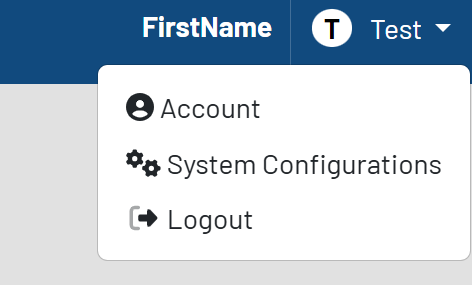
In the top right corner, select your name. In this case, it is labeled Test. Select System Configurations from the drop down.
The list of configurations will then appear. Shown here: