
View/Edit The Terms And Conditions
Start at your dashboard. It will look like this:
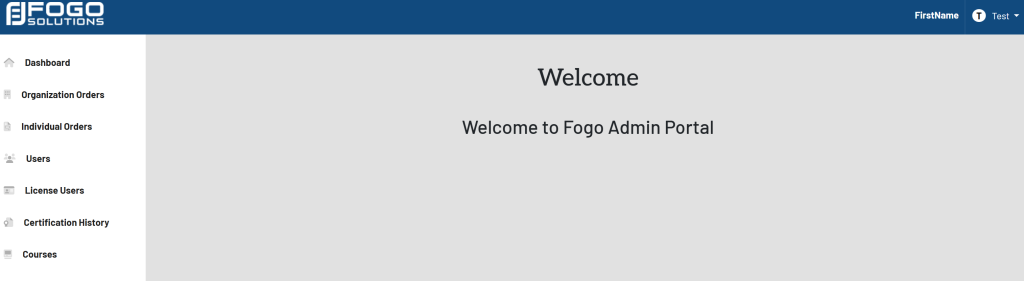
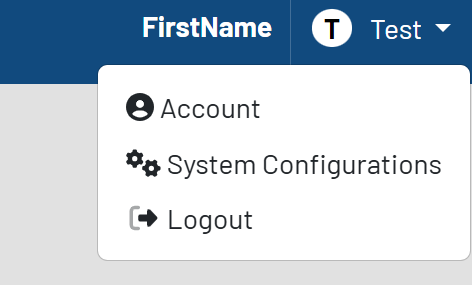
In the top right corner, select your name. In this case, it is labeled Test. Select System Configurations from the drop down.
The list of configurations will then appear. Shown here:
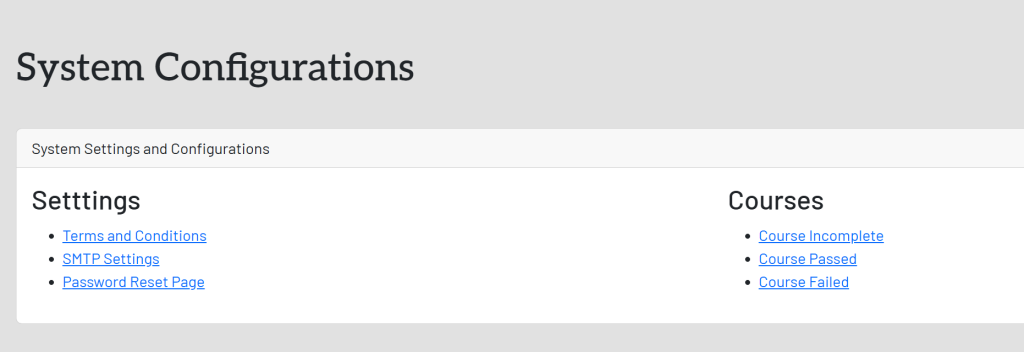
In the System Settings and Configurations box, select Terms and Conditions. This will take you here:
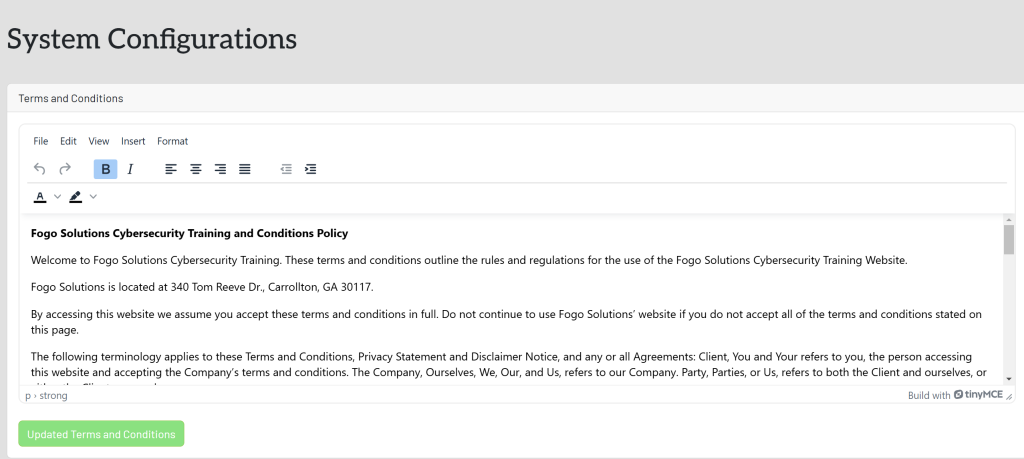
You may view the complete document by dragging the bottom right box downward.
If you edit any of the text, select the green button titled Update Terms And Conditions once completed.