
Reset A Users Password
Start at your dashboard. It will look like this:
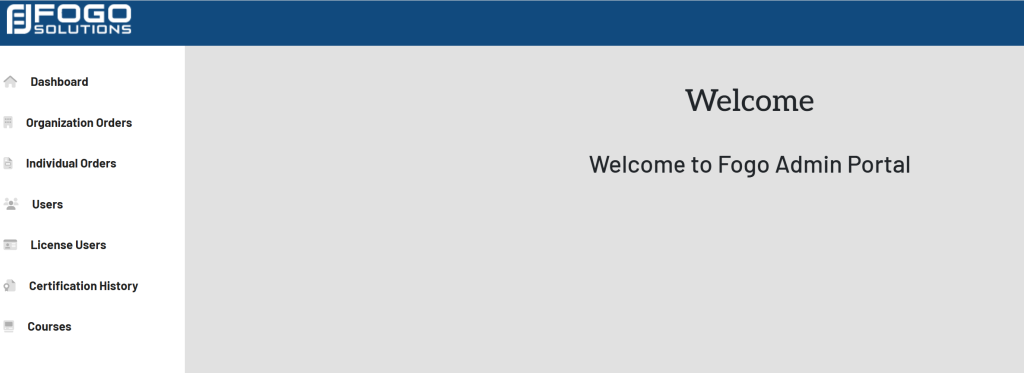
Within the left side navigation bar, select Users. This will take you here:
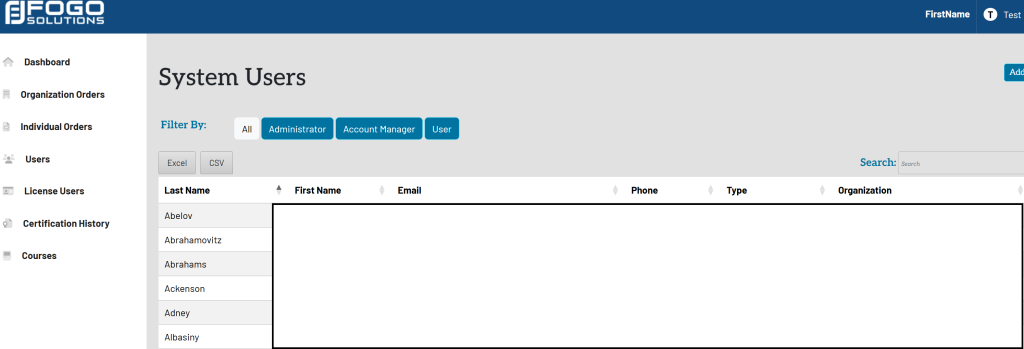
Select the name of the desired user. A pop up will appear that looks like this:
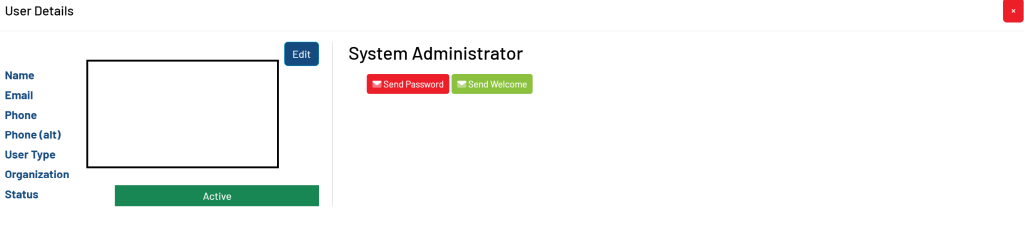
Within the System Administrator box, select the red button titled Send Password.
The user will then receive an email instructing them on how to reset their password.