
Reset A User Password
Start at your dashboard. It will look like this:
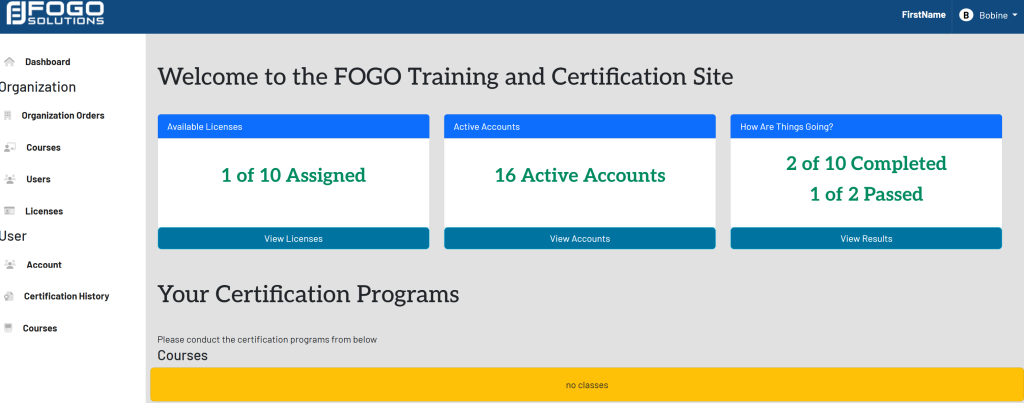
In the left side navigation bar, select Users. This will take you here:
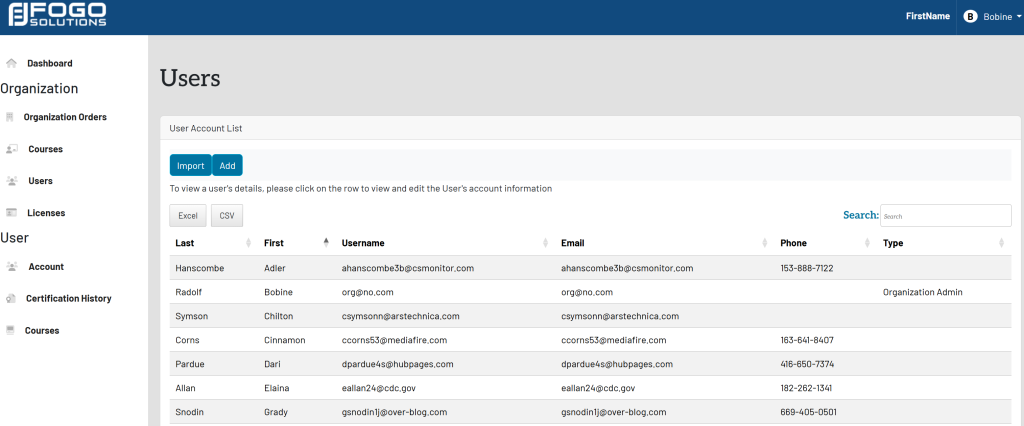
Within the User Account List, select the desired user. A pop up will appear that looks like this:
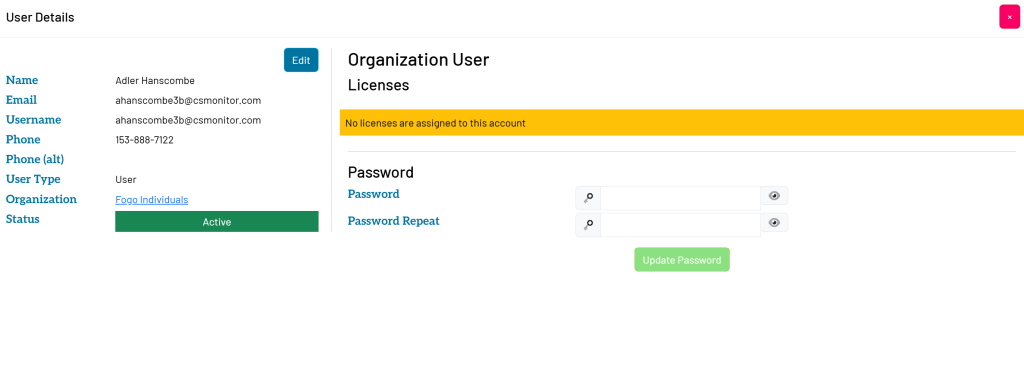
Within the Organization User box, fill in the desired password. Then, select the green button titled Update Password.