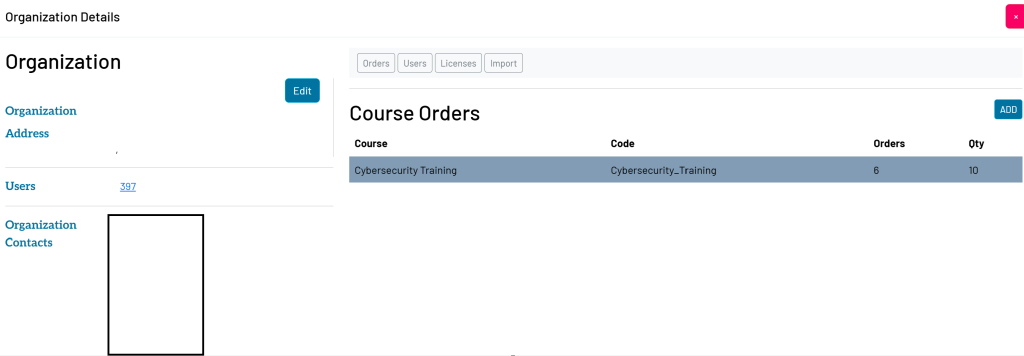
Add New Organization
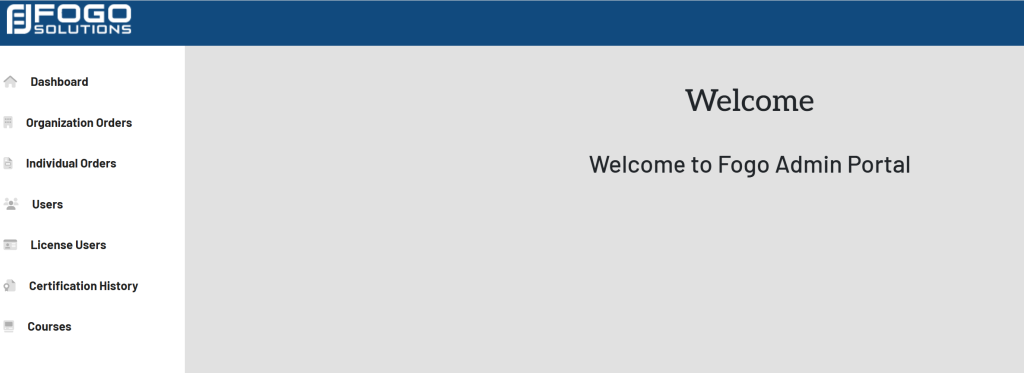
Start at your dashboard. It will look like this:
Within the left side navigation bar, select Organization Orders. This will take you here:
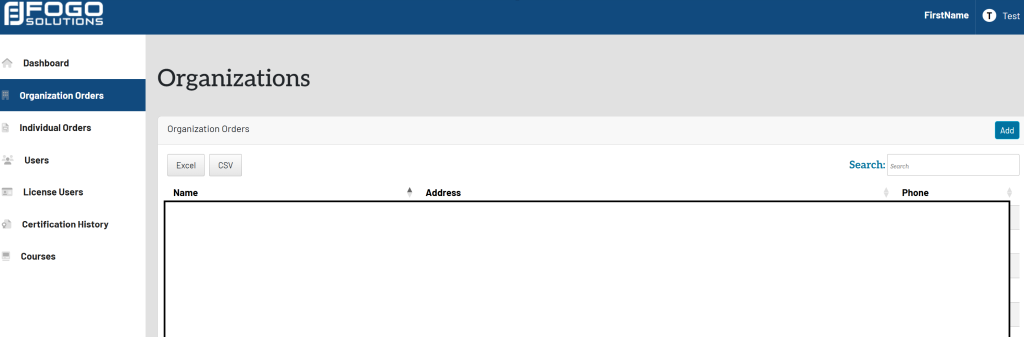
Within the Organization Orders box, select the blue button titled Add in the top right hand corner. A pop up will appear that looks like this:
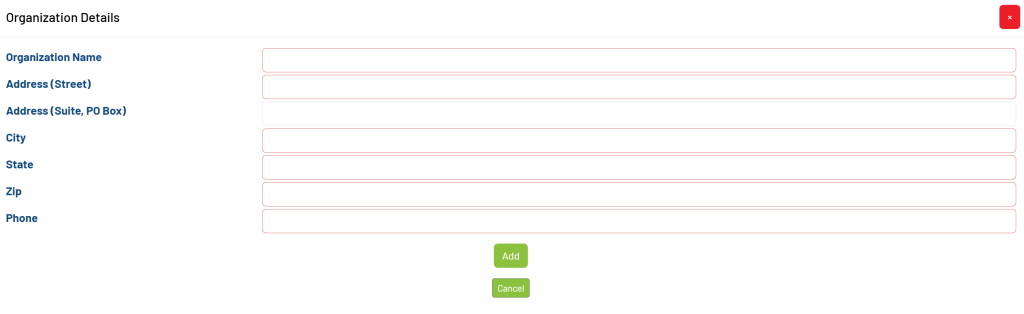
Fill in the required information in the red outlined boxes. Once finished, select the green button titled Add.