
Reset Your Password
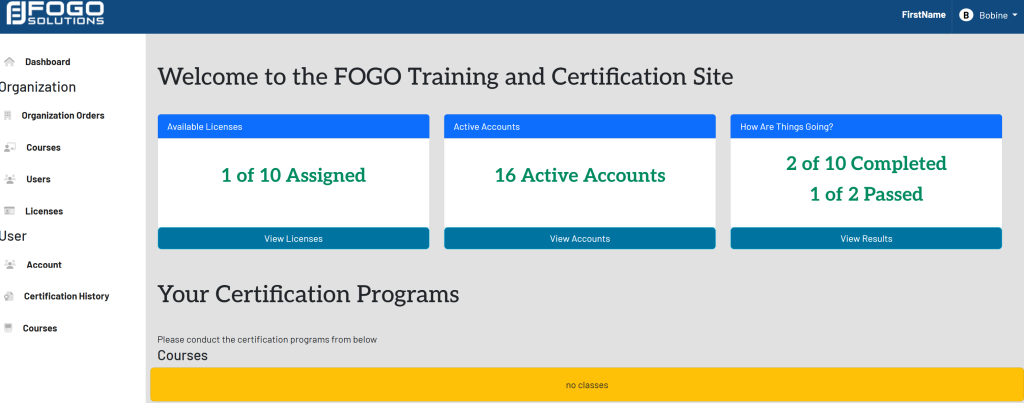
Start at your dashboard. It will look like this:
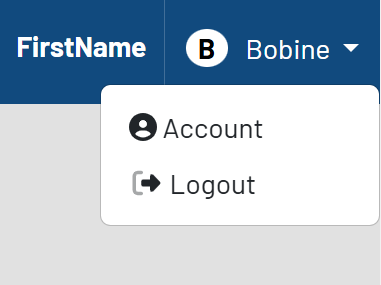
In the top right corner, select your name and select Account from the drop down:
This will take you here:
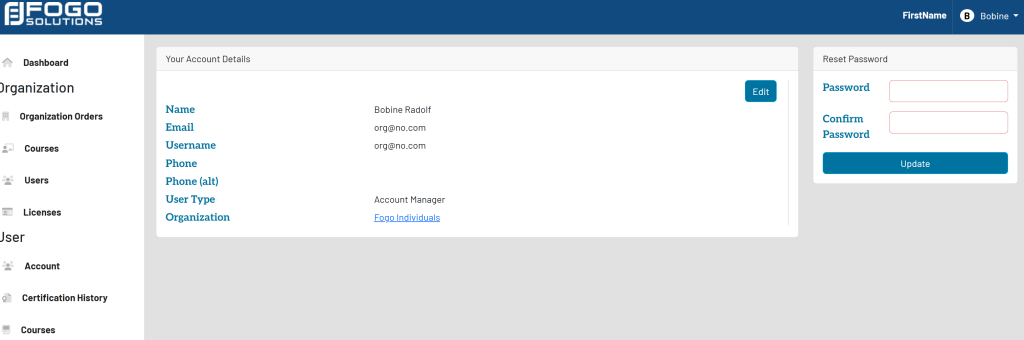
Within the Reset Password box, type in your desired password. Once completed, select Update.