
Edit Course Passed Page Text
Start at your dashboard. It will look like this:
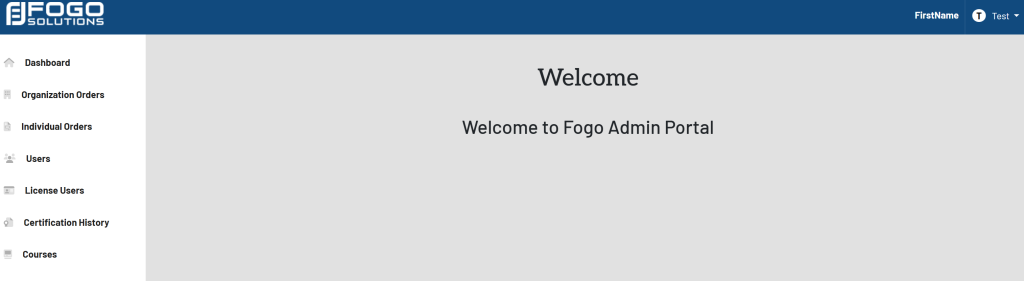
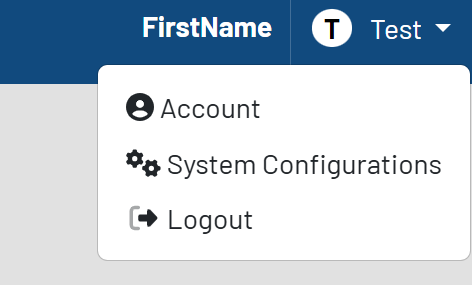
In the top right corner, select your name. In this case, it is labeled Test. Select System Configurations from the drop down.
The list of configurations will then appear. Shown here:
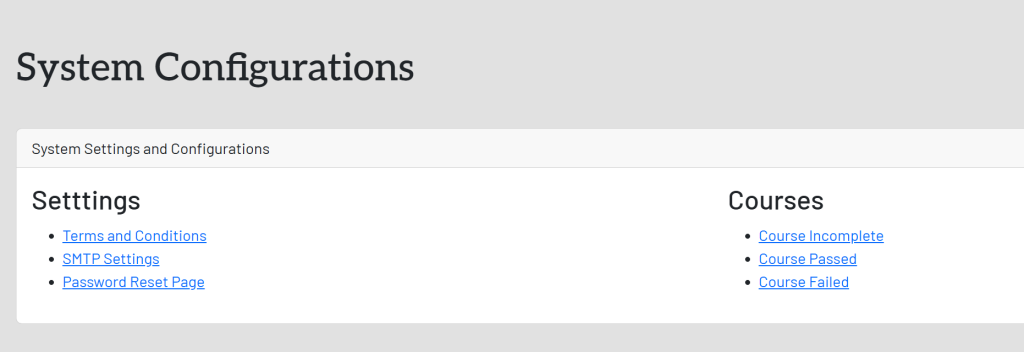
In the System Settings and Configurations box, select Course Passed. This will take you here:
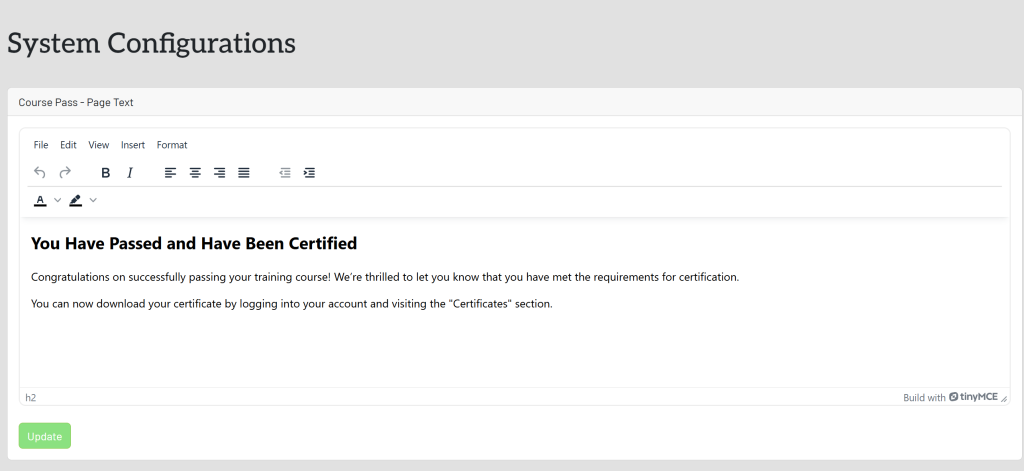
Fill in the desired verbiage within the Course Pass – Page Text box. Once completed, select the green button titled Update.