
Skip to content
  • FOGO Training Portal
  • FOGO Solutions
Help with FOGO Training
  • Administrator
  • Reseller
  • Organization Admin
  • User
Help with FOGO Training
Home / Administrator / View/Edit The Terms And Conditions
Administrator

View/Edit The Terms And Conditions

Start at your dashboard. It will look like this:
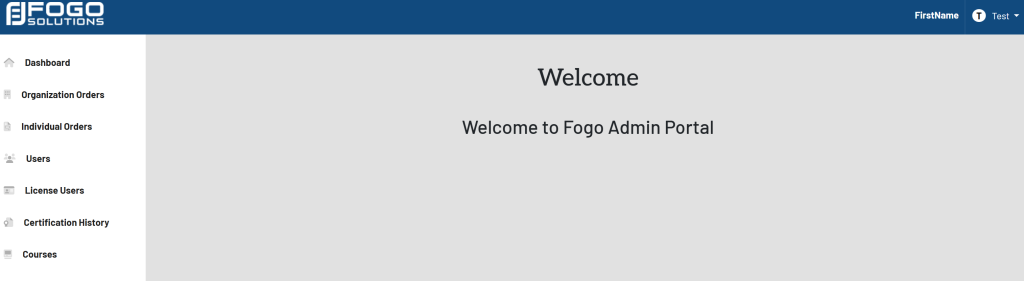
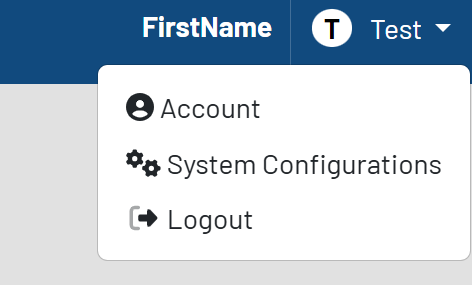
In the top right corner, select your name. In this case, it is labeled Test. Select System Configurations from the drop down.
The list of configurations will then appear. Shown here:
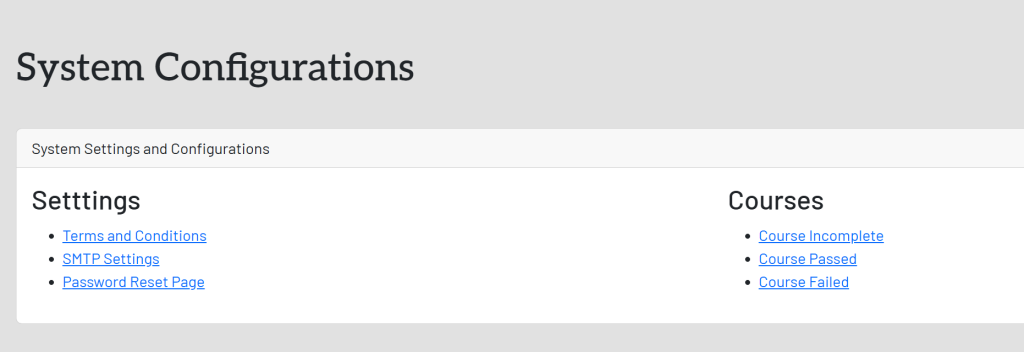
In the System Settings and Configurations box, select Terms and Conditions. This will take you here:
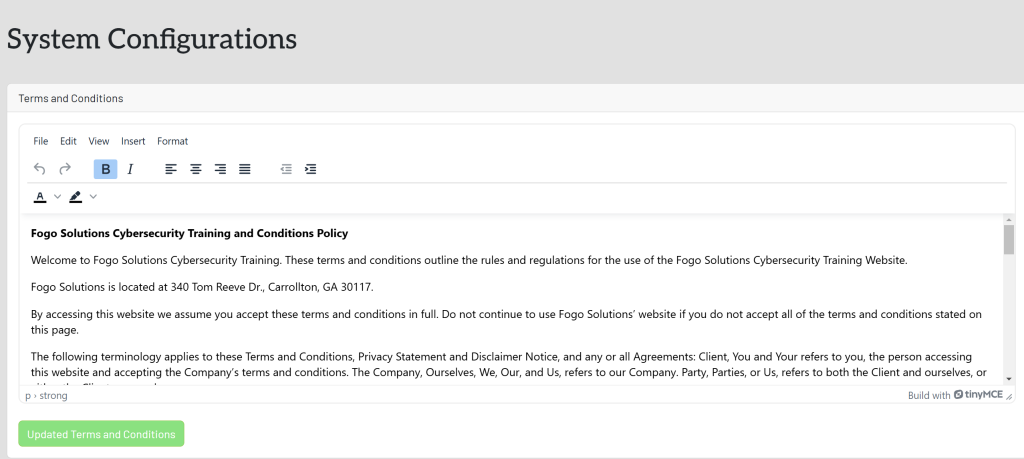
You may view the complete document by dragging the bottom right box downward.

If you edit any of the text, select the green button titled Update Terms And Conditions once completed.

Post navigation

Previous Previous
View System Configurations
NextContinue
View/Edit The SMTP Settings
  • Administrator
  • Reseller
  • Organization Admin
  • User
Facebook Instagram Linkedin

© 2026 Help with FOGO Training FOGO Solutions

Scroll to top
  • Administrator
  • Reseller
  • Organization Admin
  • User