
View Your Account Details
Start at your dashboard. It will look like this:
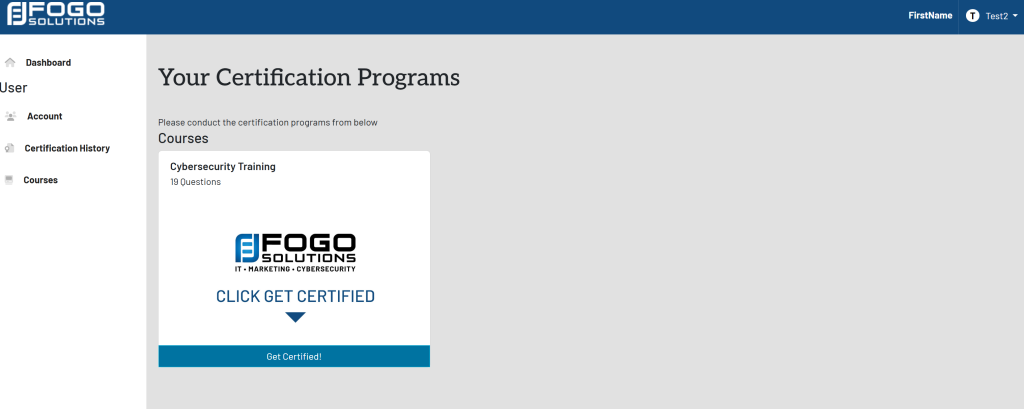
Within the left side navigation bar, select Account. This will take you here:
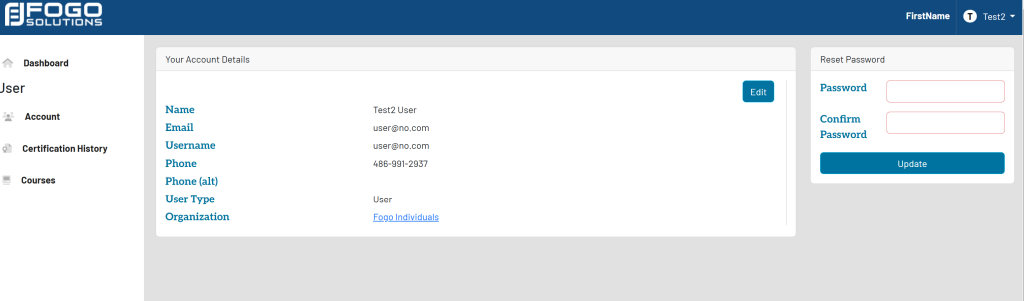
You may also get to this page by selecting your name at the top right of the screen. Then, select Account from the drop down. It will look like this:
